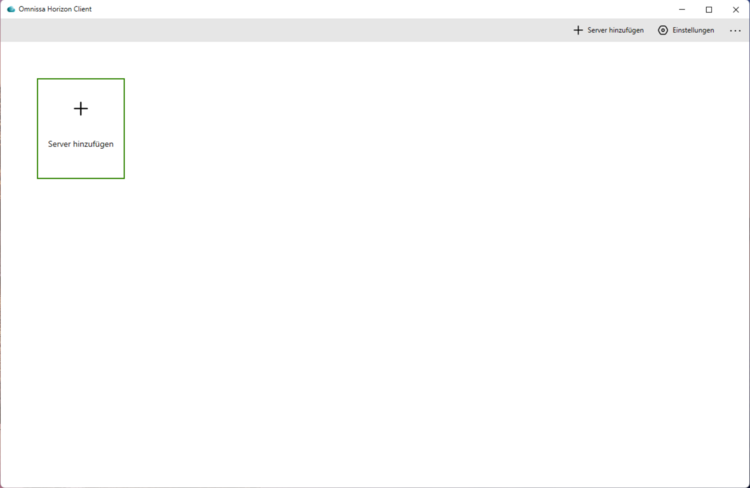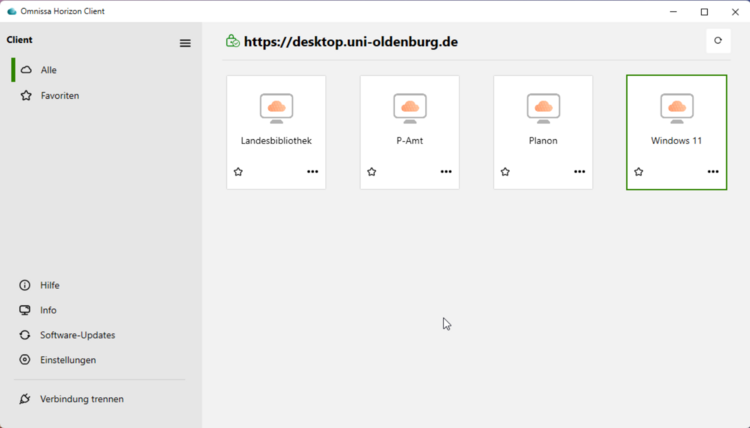
Installation of the Omnissa Horizon Client
Installation of the Omnissa Horizon Client
The installation file for the software can be obtained for PC systems on the website desktop.uni-oldenburg.de/ and for smartphones or tablets via the respective App Store / Play Store. For devices with an installed Baramundi client, the installation can be fully automated from the software kiosk.
IT services provide support for using the software under Windows 11 and with the latest versions of macOS, iOS, iPadOS and Android. A client for use with Linux distributions is offered on the official Omnissa website, but unfortunately we cannot offer you support for this.
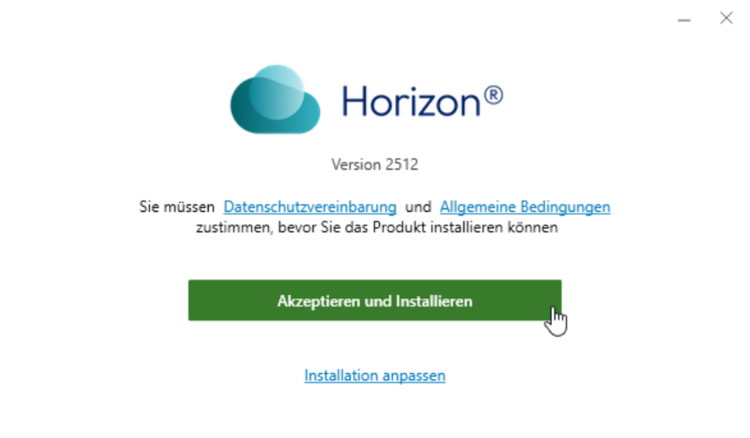
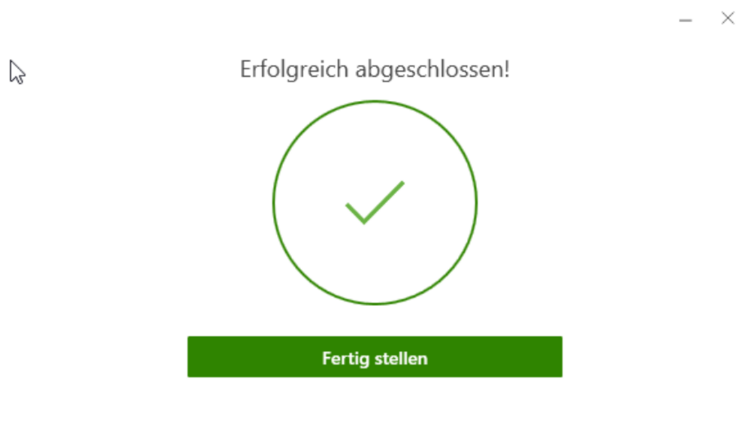
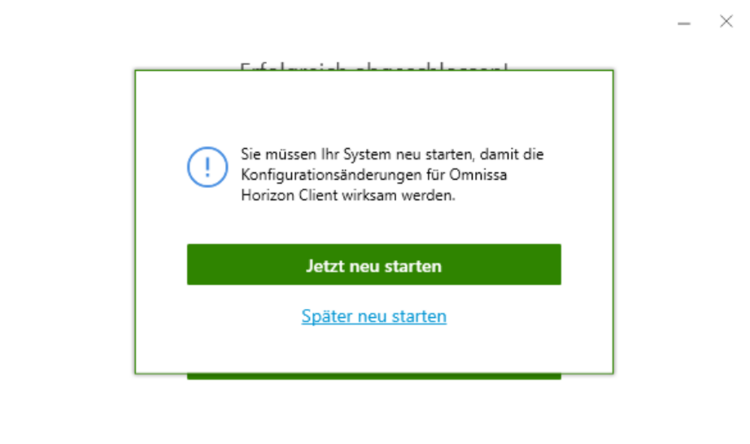
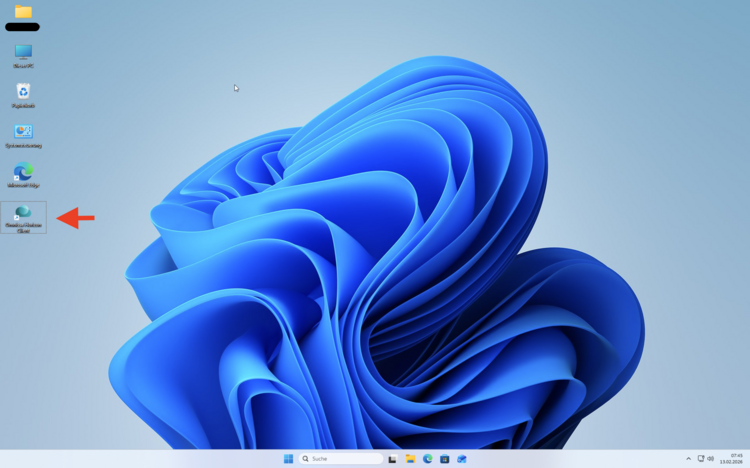
The following illustration shows the installation sequence for Windows 11, starting after the installation file has been downloaded and executed.