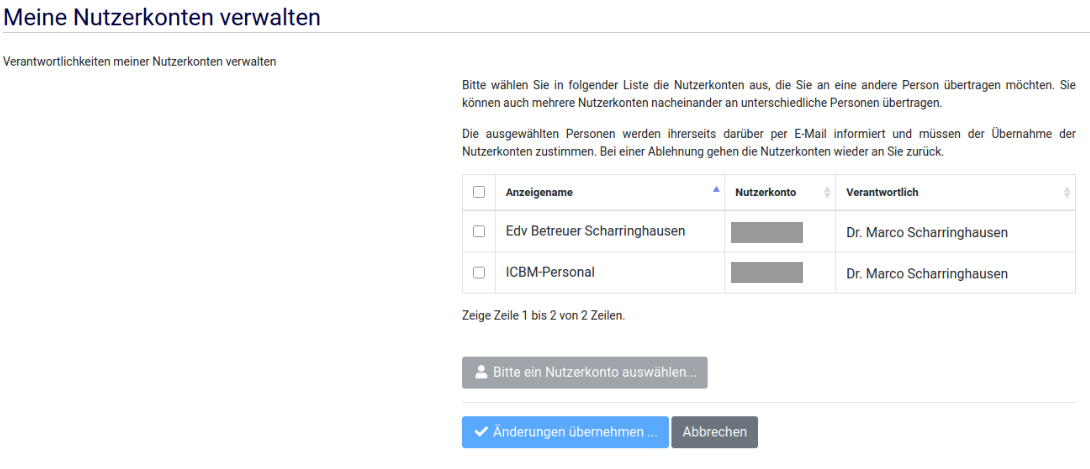

Overview of your own guest accounts

Overview of your own guest accounts
How-to: Overview of your own guest accounts
Users can view the accounts for which they are listed as the person in charge. Furthermore, users can also transfer these accounts to other university staff members, so that they will be responsible for them in future.
This is necessary, for example, if the user is due to leave the university shortly, but their guests will continue to work on behalf of the university and are to retain the account. If the host role is not transferred to another person employed by the university, the guest account cannot be used on a permanent basis.
To transfer the host role or view their own accounts, account managers can use the ‘My User Accounts’ form. The new account manager must consent to the transfer during the process.
If an account has no designated account manager for 4 weeks, it will be deactivated and deleted.