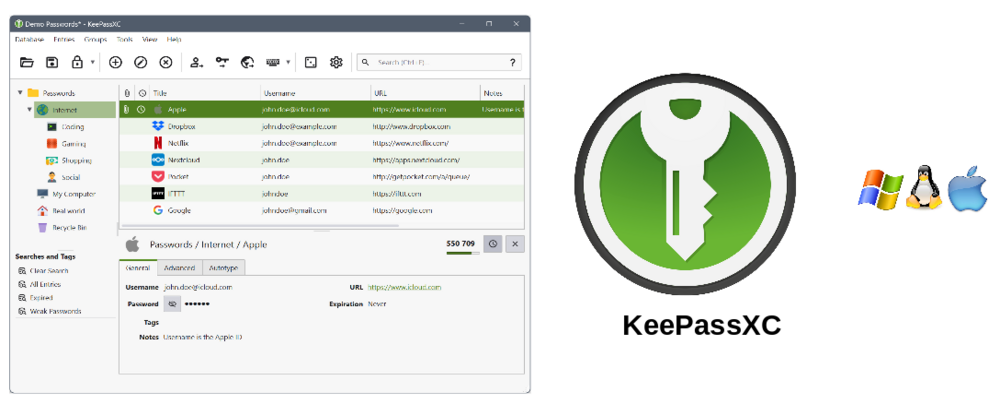
Password management via KeePassXC

Password management via KeePassXC
KeePassXC
There are a few basic rules to follow when it comes to passwords; these include, for example:
Passwords should be as long and complex as possible (at least 12 characters long, including upper- and lower-case letters, numbers and special characters)
Passwords should not be reused. In particular, the UOL user password must not be used for any other purpose
For these reasons, a password manager is highly recommended. It can store any number of passwords and helps to generate secure ones. It can also automatically fill in passwords (via a browser plugin). Here at UOL, we recommend KeePass (specifically for Windows) or the closely related KeePassXC. Instructions for KeePassXC can be found on the Central IT services website: https://uol.de/dism/ism/anleitung-keepassxc
KeePassXC is primarily designed for desktop computers and laptops. There is no native app for mobile phones, but there are several compatible products that allow users to access their databases from their PCs on their mobile phones:
- iOS: KeePassium
Android: KeePassDX or KeePass2Android